



























































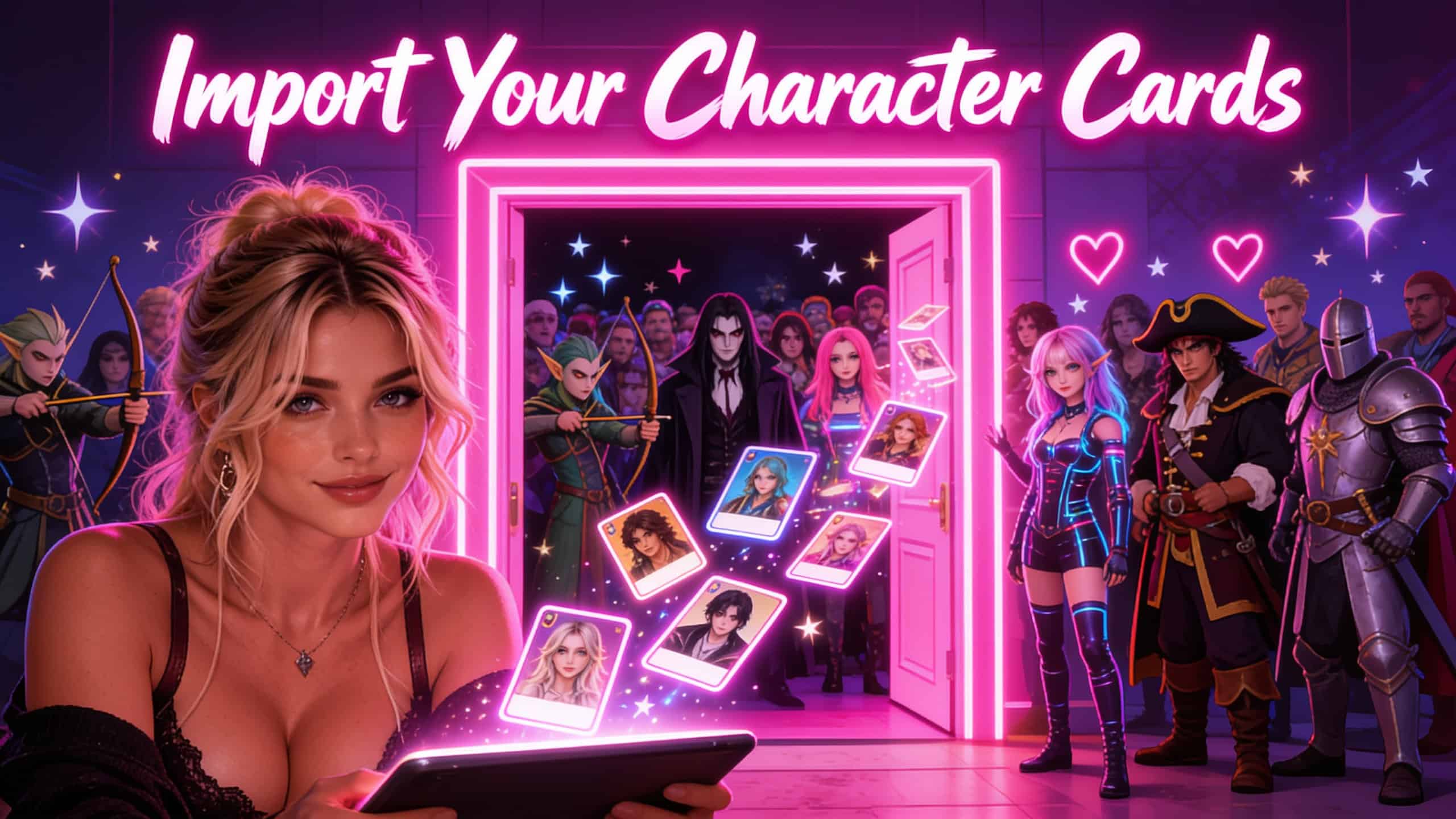
Import Janitor, Chub and SillyTavern Character Cards Into RolePlaya
Bring Janitor AI, Chub and SillyTavern character cards (V2 and V3, PNG or JSON) into RolePlaya with no API key, and see what carries across.
If you already have characters saved on your computer, you do not have to rebuild them. RolePlaya reads V2 and V3 character cards, as PNG images or JSON files, so cards from Janitor AI, Chub and SillyTavern load straight into the character creator. No API key, no proxy and no setup first.
What you can import
A character card is a standard format that most roleplay sites share. RolePlaya reads both versions of it, in both file types.
| Format | File | Works |
|---|---|---|
| V2 card | PNG image or JSON | Yes |
| V3 card | PNG image or JSON | Yes |
| RolePlaya character file | JSON | Yes. The character creator has a blank template you can download |
Where to get the card
| Site | How you get the file |
|---|---|
| Chub | Character pages have a download control that gives you JSON or a PNG card directly. |
| Janitor AI | There is no official export button. Community browser extensions pull a card out in V2 format, and they only reach definitions your account can already see. |
| SillyTavern | Export the character from its character menu as a PNG or JSON card. |
| Anywhere else | Any tool that produces a V2 or V3 PNG or JSON card will work. |
The full walkthrough, including what each site allows, is in How to Export Your AI Characters.
Want to see what is inside a card before you import it? Our free Character Card Checker reads any V1, V2 or V3 card in your browser, flags missing fields and converts it to a clean V2 or V3 JSON file. It is open source on GitHub. Writing a character from scratch? The Character Card Maker builds a V2 or V3 card you can import straight in.
How to import a card, step by step
- Open the character creator and find the Import Character section.
- Choose Import Card for a PNG, or Import JSON for a .json file.
- Pick the file. The form fills in, and with a PNG the picture becomes the avatar in the same step.
- Check the fields, especially the tags and greetings, and edit anything you want to change.
- Press save. Nothing is saved until you do, so the import is a starting point rather than a commitment.
What carries across
| In the card | Where it lands |
|---|---|
| name | Title |
| creator_notes, or description on older cards | Intro, trimmed to 500 characters |
| greeting or first_mes | Opening greeting, up to 3,000 characters |
| alternate_greetings | Second and third greetings |
| description | Background |
| personality and scenario | Added to the background under their own labels |
| tags | Matched to the RolePlaya tag list. Tags we do not have are skipped |
| gender, or a Female, Male or non-binary tag | Gender, when the card makes it clear |
| The PNG image | Avatar |
What you will need to add yourself
- Example dialogue. Add it in the dialogue examples fields, which shapes a character's voice more reliably than burying samples in the description.
- Lorebook entries. These belong in Worlds rather than on the character itself.
- Missing tags. Card tags that are not on the RolePlaya tag list are skipped, so check the tag picker after importing.
Length limits
Each greeting can be up to 3,000 characters. Greetings and the background share one budget: every character over 1,000 in the longest greeting comes off the 10,000 character background limit, so a 3,000 character greeting leaves 8,000 for the background.
Bring your chats too
A card brings the character. Your story is a separate file. RolePlaya also imports chats from Character.AI, SillyTavern, Chub, Janitor AI, RisuAI and Agnaistic, and pasted text from anywhere else, so the character picks up where you left off. The steps are in Import Your AI Chats.
Why bring them here
RolePlaya has no adverts, and its models are built in, so there is no API key or proxy to set up before your imported characters can talk. Characters keep long-term memory, and Worlds give a whole cast a shared memory across every chat in them.
RolePlaya is an 18+ platform only. Chats can be flirty, romantic and mature between adult characters. Images never contain nudity or pornography. Nothing involving minors, so every imported character must be an adult.
Start free and import a character
Common questions
Which card formats does RolePlaya import?
V2 and V3 character cards, as PNG images or JSON files, including cards from Janitor AI, Chub and SillyTavern.
Do I need an API key to import a card?
No. The models are built in, so there is no key, proxy or other setup before you import.
Is importing a card free?
Yes. Card import is available on every plan.
Will my lorebook transfer?
Not automatically. Lorebook content maps onto Worlds rather than onto the character record, so add it separately once the character is in.
Why did some of my tags not import?
Tags are matched to the RolePlaya tag list, and any that are not on it are skipped. Check the tag picker after importing and add the ones that are missing.
Can I import more than one greeting?
Yes. The first greeting and up to two alternates come across, each up to 3,000 characters.
Can I import my chats as well as my characters?
Yes. Chat import is a separate tool, covered in Import Your AI Chats.
Related guides: AI roleplay lorebooks and worldbuilding.
Janitor AI, Chub, SillyTavern and all other names used on this page are trademarks of their respective owners. RolePlaya is not affiliated with, endorsed by, sponsored by or connected to any of them. Export routes on third party platforms are provided by independent tools, change without notice, and may be restricted by those platforms terms. Accurate as of October 2026.